How to Find Ham Radio Repeaters Near You
Use RepeaterBook — it's free, community-maintained, and its phone app works offline with location search. Look up your county, note each repeater's output frequency, offset, and CTCSS tone, then program the active ones into your radio. Paid options (RFinder, the printed ARRL Repeater Directory) and the RadioReference database exist, but RepeaterBook covers most beginners completely.
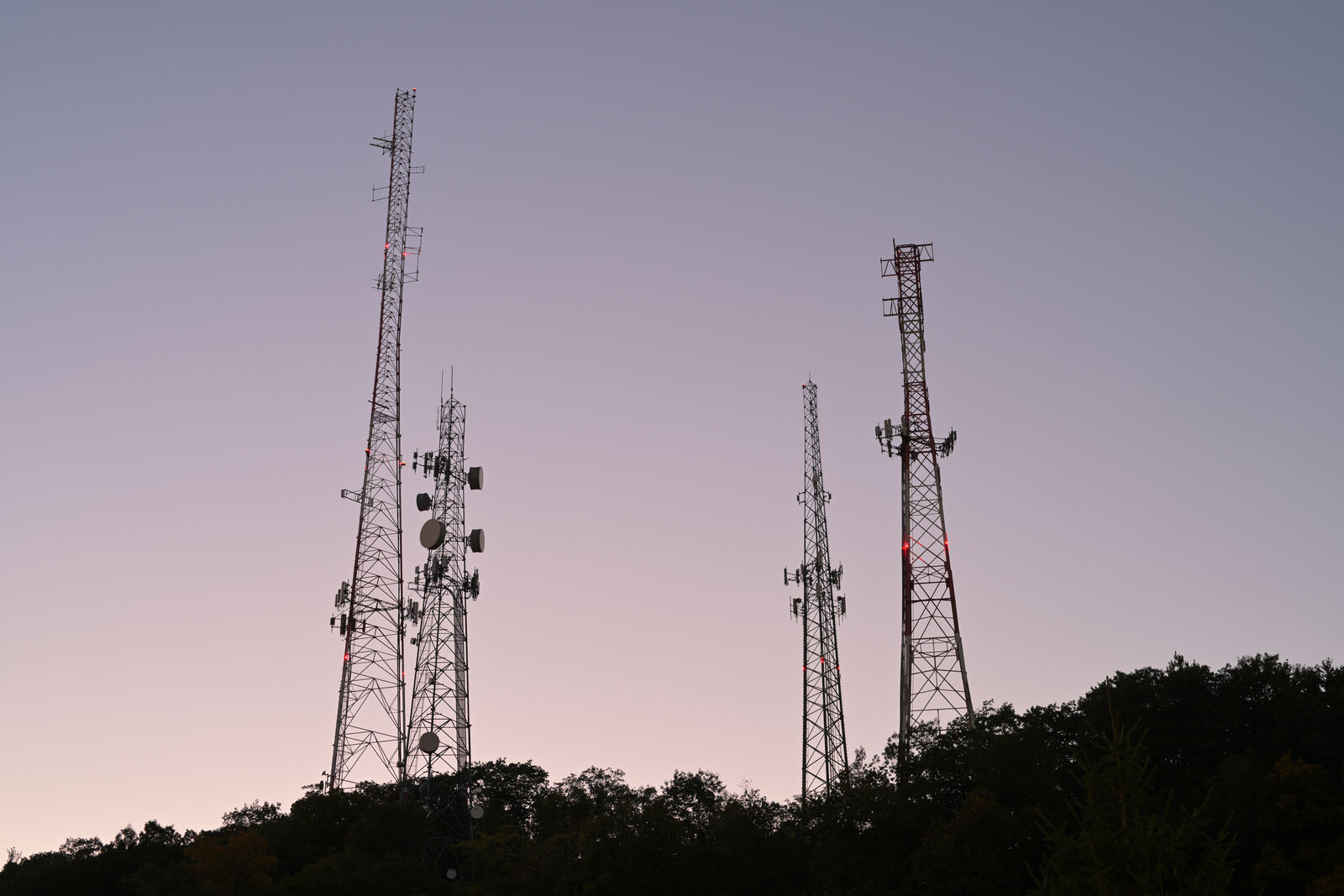
A repeater turns your 5-watt handheld into a machine that covers a whole metro area — but only if you know where the repeaters are, and which of them are actually alive. Listings are crowd-maintained, so knowing how to read (and sanity-check) them is a core beginner skill.
This guide compares the real directory options in 2026, decodes every field in a repeater listing, and shows the fastest way to get a working list into your radio. New to what repeaters even do? Read repeaters explained first, then come back to fill your memory channels.
The directories compared: what's free and what's not
Four sources cover essentially every US repeater. Here's the honest comparison:
| Directory | Cost (2026) | Best for |
|---|---|---|
| RepeaterBook | Free (optional Plus tier) | Everyone — website plus offline iOS/Android app |
| RFinder | $14.99/year | Integration with programming software; worldwide travel |
| RadioReference | Free to browse; premium $30/yr | Deep database work, scanner users, exports |
| ARRL Repeater Directory (print) | ~$22.95 | A paper backup for go-kits — the 2026 edition is powered by RepeaterBook data |
Start with RepeaterBook. It lists tens of thousands of machines, volunteers review updates, and the app's "near me" search with offline data is exactly what you want in a car or on a trail.
How to read a repeater listing
Every listing boils down to four or five numbers. A typical example:
| Field | Example | What it means |
|---|---|---|
| Output frequency | 146.940 MHz | Where the repeater transmits — tune here to listen |
| Offset | −0.6 MHz | Your radio transmits 600 kHz below the output (146.340) |
| Tone (CTCSS) | 103.5 Hz | Sub-audible tone your transmission must carry to open the repeater |
| Location / coverage | "Coyote Peak" | Higher site = wider footprint |
| Status | On-air | Community-reported; treat as a hint, not a guarantee |
Modern radios apply the standard offset automatically once you dial the output frequency; you usually only enter the tone by hand. To double-check the math, run any listing through our repeater offset calculator, and see CTCSS & PL tones explained if tones are still fuzzy.
Filter for repeaters that are actually alive
Directories accumulate ghosts — machines that died years ago but still have listings. Save yourself the frustration:
- Sort by last-updated or "operational" status in RepeaterBook, and prefer listings updated within the last year or two.
- Prioritize club repeaters. A machine listed with an active club website almost always works and usually has regulars to talk to.
- Listen at drive time. Weekday mornings and evenings, and scheduled nets (often listed on club sites), are when repeaters prove they're alive.
- Try a "kerchunk-with-callsign". Key up, give your call sign, and listen for the repeater's tail or courtesy beep. Identifying is required by FCC rules; silent kerchunking without ID is both rude and technically illegal.
From list to radio in ten minutes
Once you've shortlisted 5–15 repeaters, get them into the radio the sane way:
- Export or copy the list — RepeaterBook can feed CHIRP directly via its query menu (Radio → Query Data Source → RepeaterBook inside CHIRP).
- Program with CHIRP — set frequency, offset, tone mode ("Tone", not "TSQL", to start) and a readable name per channel. Full walkthrough: program a Baofeng with CHIRP.
- Group by area — put your home-area machines in the first channels, and build separate banks for places you travel often.
- Add the simplex calling channels too — 146.520 and 446.000 MHz belong in every radio, no offset, no tone.
Don't forget GMRS repeaters (for family radios)
If your household runs GMRS radios alongside your ham gear, note that GMRS has repeaters too — on eight shared 462 MHz output channels — and RepeaterBook lists them in a separate GMRS section. Some require joining a club or asking the owner for permission; the listing usually says. A GMRS license ($35, no exam, covers the whole family) plus one local GMRS repeater is a shockingly capable family communication system. The differences between the services are covered in ham vs CB vs GMRS.
No repeaters nearby? Your options
Rural readers sometimes find the nearest machine 40+ miles out. You still have moves:
- Height fixes reach. A roll-up J-pole hung 20 feet up, or a mobile antenna on the roof, often brings a "too far" repeater into range — check the geometry with our radio range calculator.
- Linked systems cover huge rural areas with many receive sites; search your state's linked network (RepeaterBook notes linked systems in the details).
- Simplex nets — some rural communities schedule 146.520 simplex nets precisely because repeaters are sparse.
- HF is the real fix — if this is your situation long-term, the General upgrade removes the infrastructure dependency entirely.